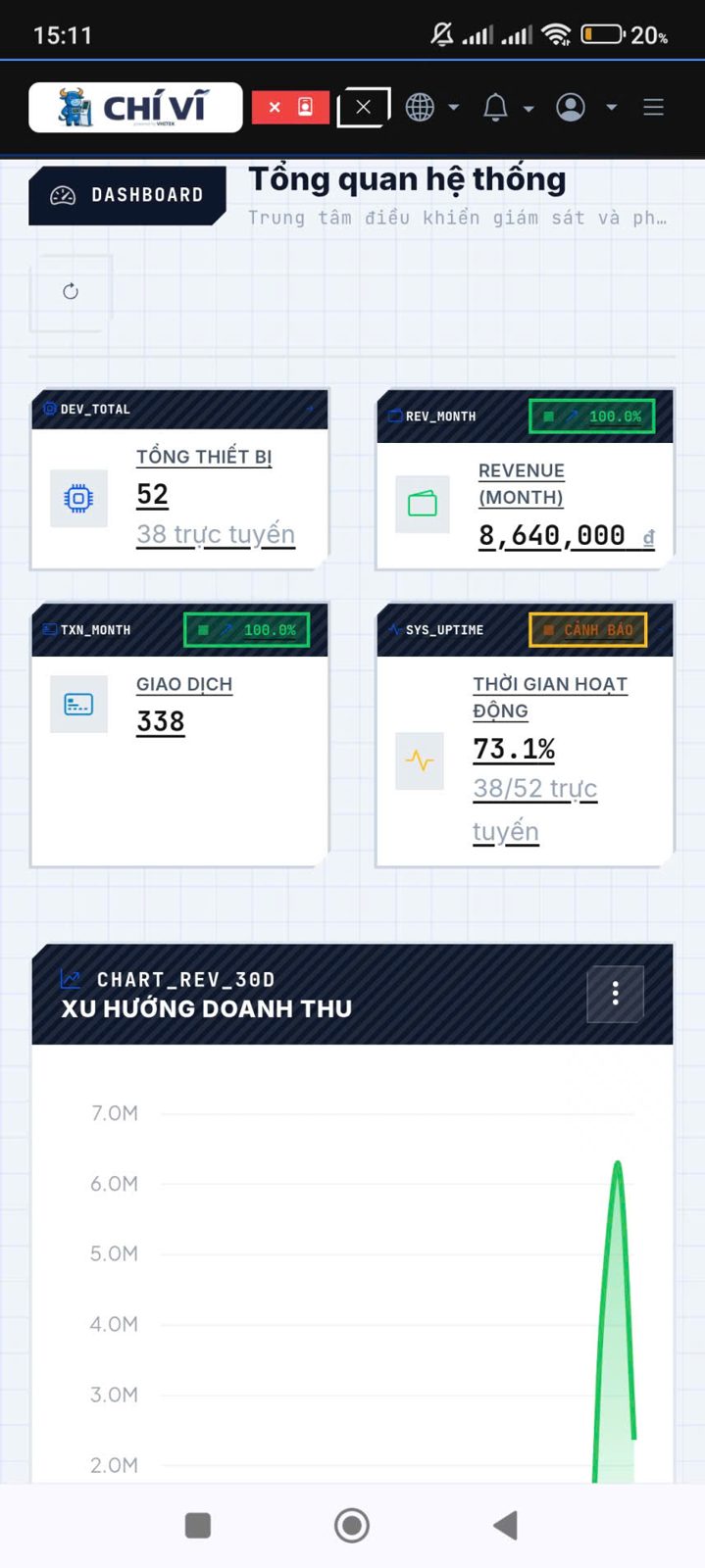
Open your phone to see the whole system
Revenue, visits and online status of each device at all points of sale — on one account, no need to be on-site.
Giải pháp thanh toán không tiền mặt cho thiết bị tự động
Revenue, usage count, and status of each device — on one account, viewable from a phone.
The management software comes with the device, is not sold separately, and does not charge a monthly fee for each machine. Each QRBOX reports to the system itself, so what you see is the data from your own machine, not a manually compiled summary.
Revenue, visits and online status of each device at all points of sale — on one account, no need to be on-site.
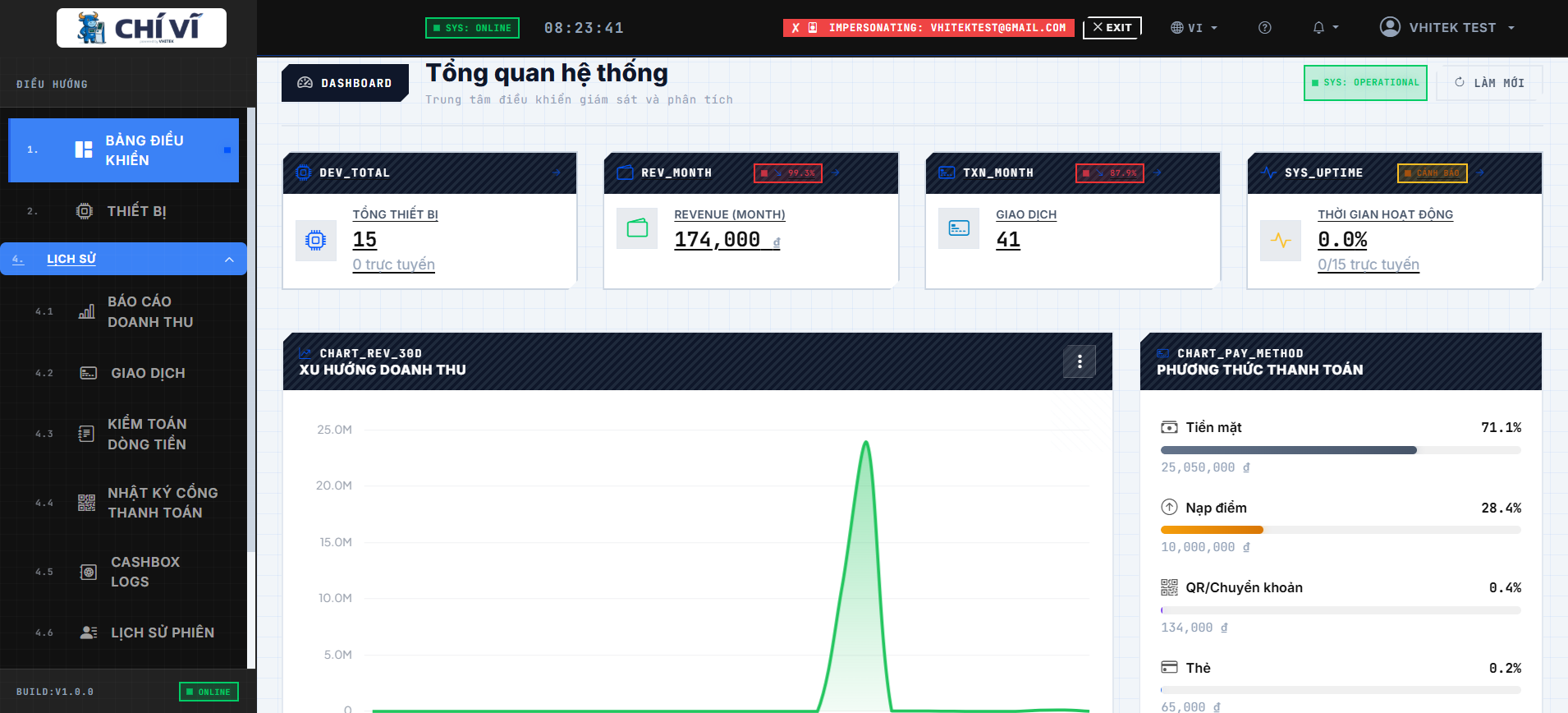
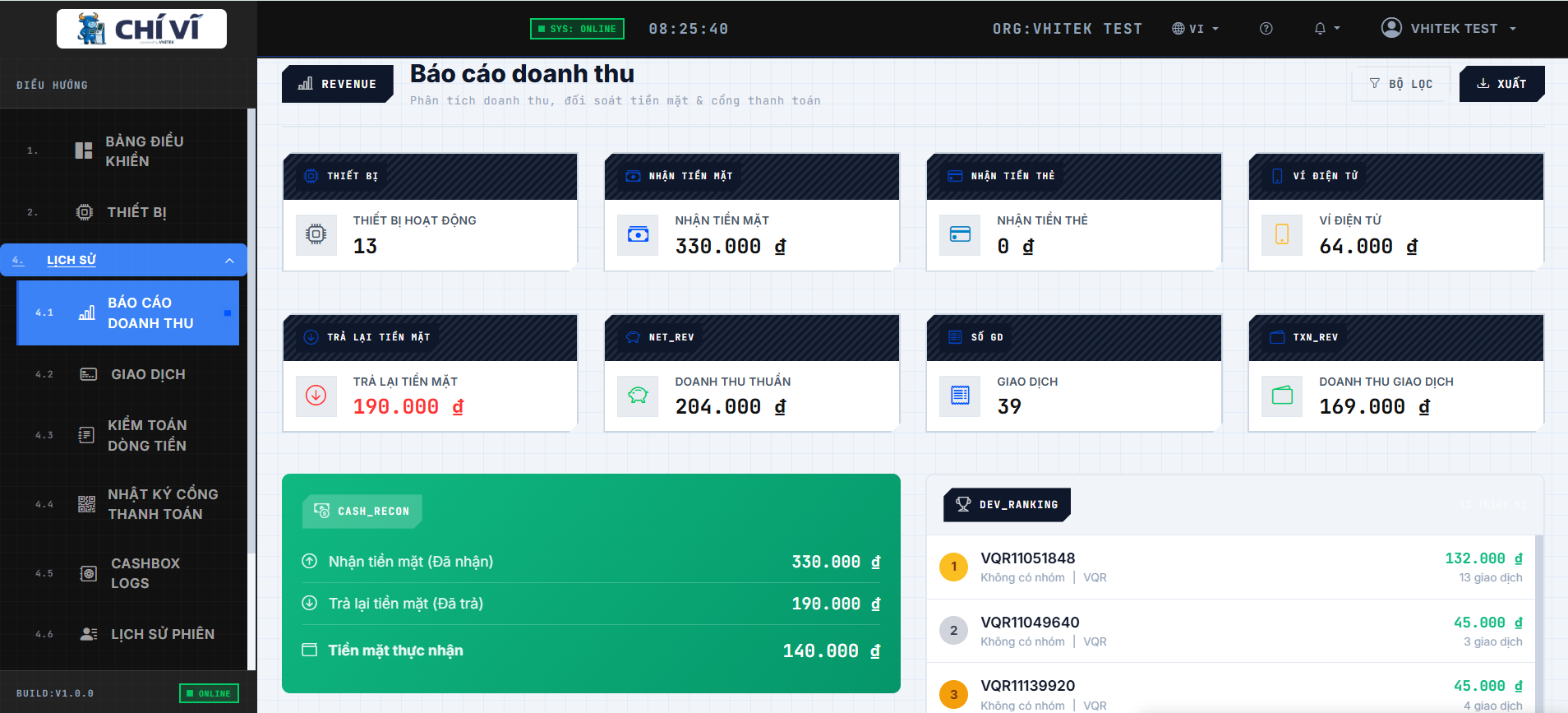
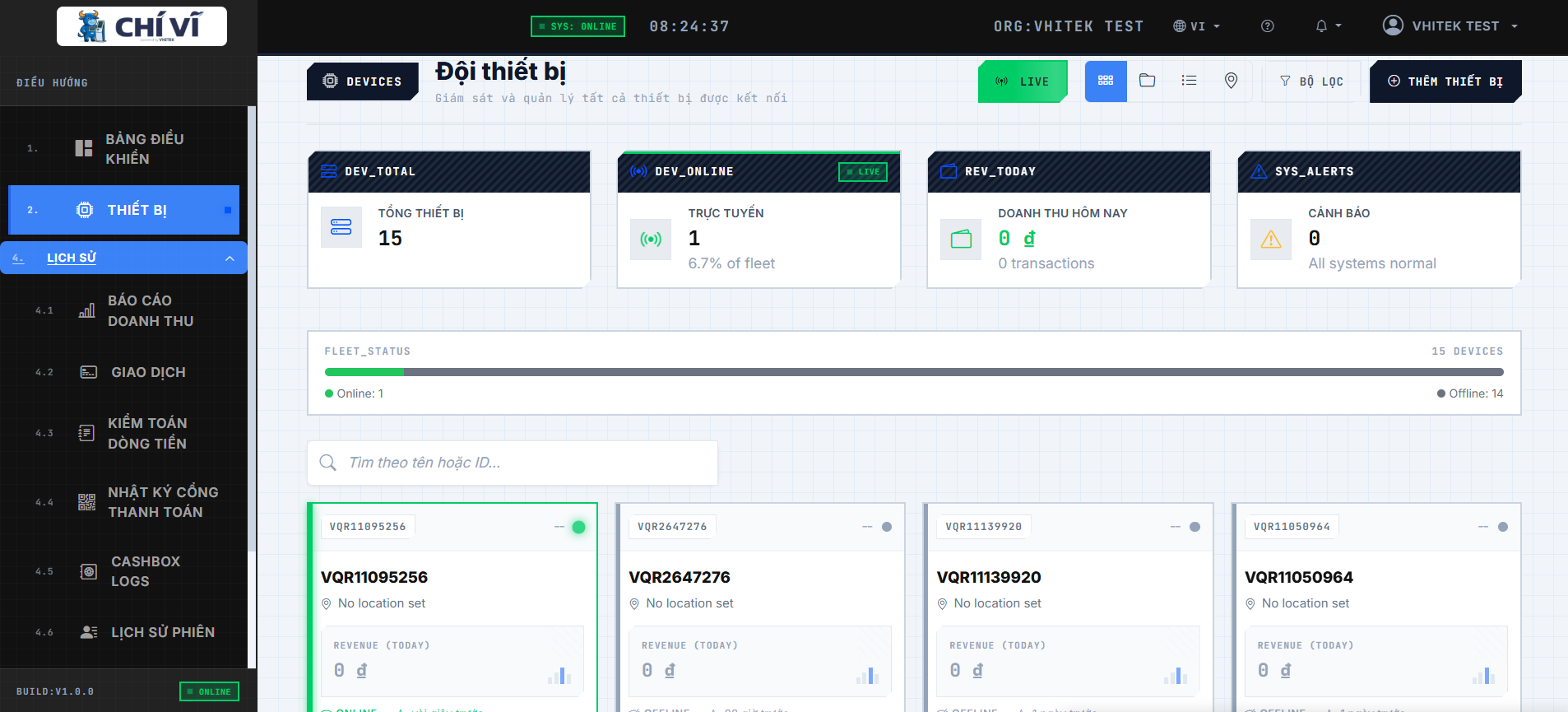
View revenue for each device anytime, anywhere — no need to wait until the end of the day.
Statistics on usage for the day, week, or month to see which machines are idle.
Monitor and manage multiple machines at different locations from one app.
Know if devices are online or offline to address issues before customers complain.
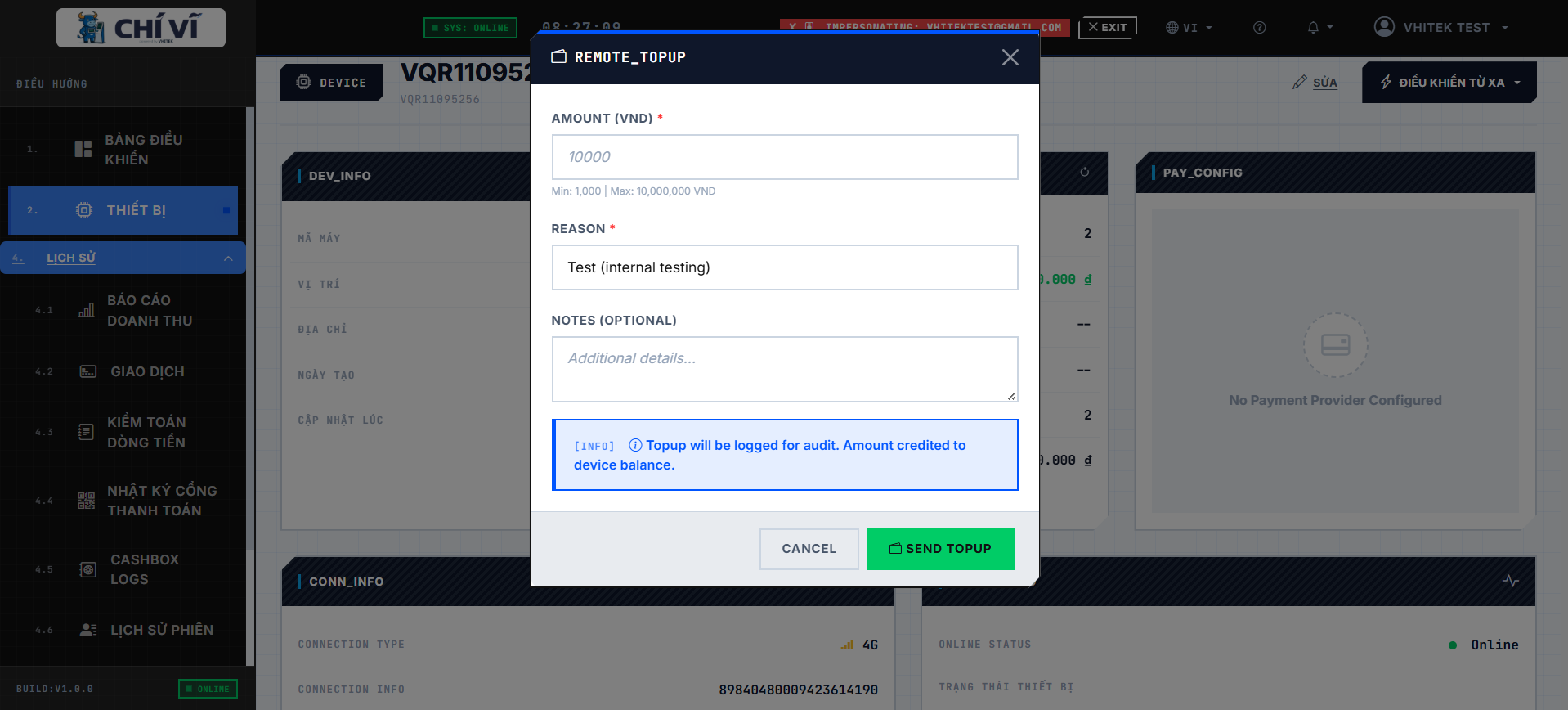
System owner can increase usage for machines through the app to compensate for customers without having to go on-site.
Lookup details of each QR payment transaction, export files for accounting.
The system sends notifications when a device encounters an error or loses connection.
Send model number, technician confirms connection type and quotes within the working day. Consultation is free.